04 | Introducing Lineage MCP
Lineage MCP is a Model Context Protocol server that gives your AI the context it needs when it needs it.
Matt Peters
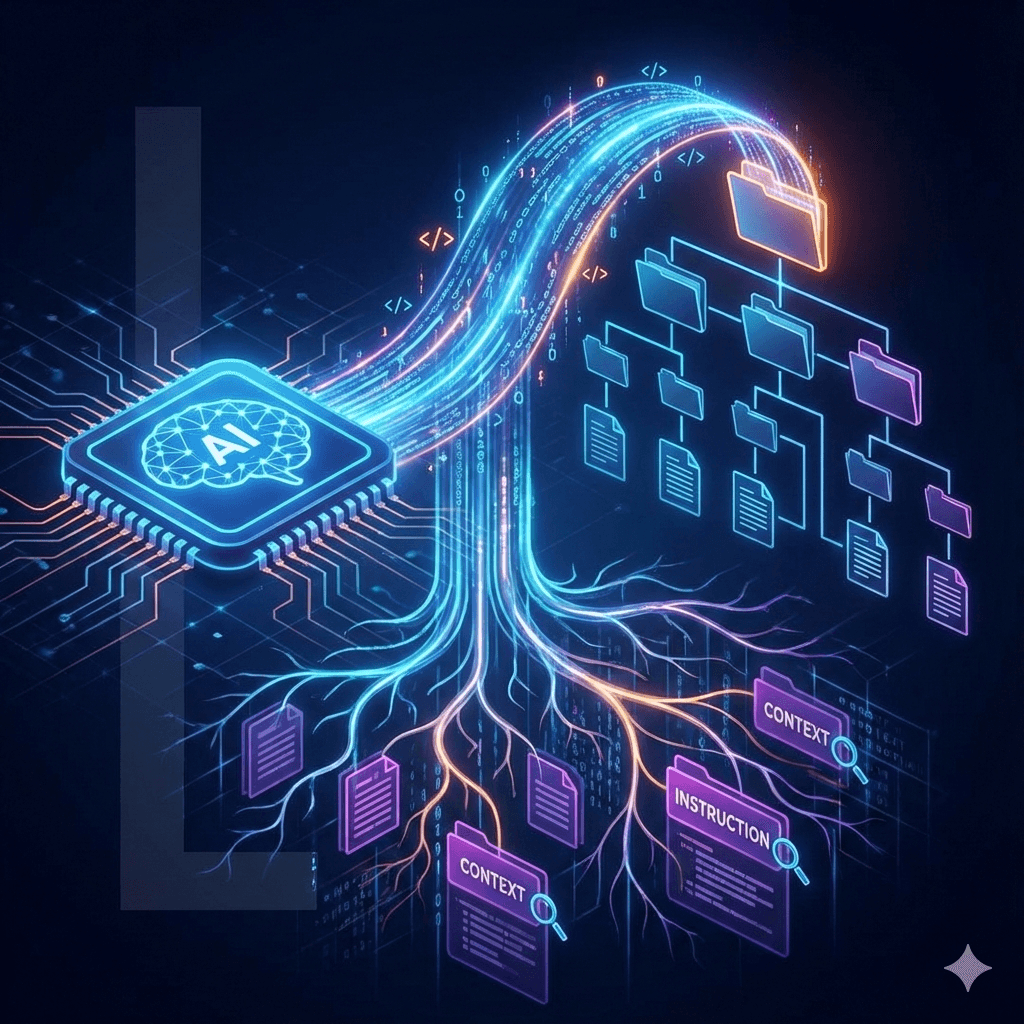
Lineage MCP is a Model Context Protocol server that gives your AI the context it needs when it needs it.
I've been using Claude Code as my primary AI coding assistant for months now. It's fast, it understands my codebase, and most importantly - it knows how to load context properly. When it reads a file, it automatically discovers and loads any AGENTS.md or CLAUDE.md files from parent directories. This is huge.
Then I tried OpenCode. OpenCode is an open-source terminal-based AI coding agent. It uses the same underlying models - Claude Sonnet, Claude Opus - so in theory, it should produce similar results. But the quality of the generated code was noticeably worse. Same prompts, same codebase, significantly worse outputs.
I was baffled. How could the same model perform so differently?
I gave up on OpenCode and went back to Claude Code but I kept pondering what could be the issue, and then I saw it in the Claude Code app.
● Read(src\api\MyExampleFile.cs)
  ⎿  Read 25 lines
  ⎿  Loaded src\api\CLAUDE.md
It turns out Claude Code does something quietly brilliant that I'd taken for granted: automatic instruction file discovery.
When Claude Code reads any file in your workspace, it walks up the directory tree and includes all CLAUDE.md files it finds along the way. You write documentation once, and the AI picks it up automatically - every time, without you asking.
This ensures the context is only loaded once the AI actually reaches into any given folder. OpenCode doesn't do this. It reads the file you asked for, nothing more. Which means all those carefully crafted CLAUDE.md files I'd written - the ones explaining architecture patterns, naming conventions, and domain concepts - were completely invisible. The AI was flying blind.
The difference in output quality was dramatic.
I've been a C# developer for most of my career. Python was always something I "meant to learn" but never got around to properly. But for the last month I've been teaching myself Python and the problem bothered me enough that I built my own solution: Lineage MCP (opens in new tab) with my friend Claude.
It's taken me a couple of days but I'm happy with the result.
Lineage is a Model Context Protocol server that provides file operations. When you read any file, Lineage walks up the directory tree and appends all AGENTS.md, CLAUDE.md, and similar files to the response. The AI gets the full context without asking.
I also built in file tracking: Lineage monitors every file the AI reads. If a file changes externally (by you or another process), the next Lineage operation reports exactly which lines changed and when. This eliminates the need to manually ask the AI to re-read updated files.
Say you're reading a file deep in your project:
your-project/
├── AGENTS.md              ← Included automatically
├── src/
│   ├── CLAUDE.md          ← Included automatically
│   └── app/
│       └── handler.py     ← File you're reading
When you read handler.py, Lineage appends:
--- content of handler.py ---

[AGENTS.md from src]
# Instructions for this module
...

[CLAUDE.md from .]
# Project-wide instructions
...
Every read operation includes the full context chain. No manual specification required.
There's one wrinkle with MCP servers: they're stateful, but LLM conversations aren't.
LLM systems periodically "compact" or summarize conversation history to stay within context limits. When this happens, the detailed content from instruction files gets compressed or lost. Lineage's server-side cache still thinks these files were "already provided" and won't re-send them.
The solution is to clear the cache after compaction. But getting this to happen automatically took a few iterations.
My first attempt added a new_session parameter to all Lineage tools with a prompt telling the LLM to pass new_session=True after a summarization. This didn't work reliably - AIs are so focused on solving the task at hand that they rarely self-reflect enough to notice a summarization has occurred.
The current solution is much better: automatic cache clearing via hooks.
Lineage now integrates with client hooks that fire when a new session starts or when context compaction occurs. The cache clears automatically - no LLM involvement required. There's also a 30-second cooldown window so rapid successive clears don't cause thrashing.
For Claude Code specifically, a PreCompact hook triggers the clear before the conversation is summarised, ensuring instruction files are re-appended fresh when the new context begins.
As the project grew I wanted better visibility into what the AI was doing. So I built a companion system tray application: lineage-mcp-tray.
The tray app connects to the MCP server over a named pipe (Windows) or Unix socket (macOS/Linux) and shows you in real time:
But visibility was only half the reason. The tray also gives you control.
The most useful tray feature is the interrupt button. If you see the AI going off the rails - reading files it shouldn't, making changes you didn't ask for - you click Interrupt. The next tool call returns an interrupt message and stops. The AI is instructed to use ask_user() before doing anything else.
Click Resume when you're ready to continue.
You can also trigger a cache clear directly from the tray menu. Useful if you've made significant changes to your AGENTS.md files and want the AI to pick them up immediately, without waiting for the next session hook.
You can customize which instruction files Lineage looks for via appsettings.json:
{
    "instructionFileNames": ["AGENTS.md", "CLAUDE.md", ".cursorrules"],
    "newSessionCooldownSeconds": 30,
    "readCharLimit": 50000
}
Files are checked in priority order - first match per folder wins. Per-client overrides let you tune the read character limit for different AI clients.
git clone https://github.com/imattpeters/lineage-mcp.git
cd lineage-mcp
pip install -r requirements.txt
cd lineage-mcp-tray
pip install -e .
python -m lineage_tray
{
    "mcpServers": {
        "lineage": {
            "command": "python",
            "args": ["/path/to/lineage-mcp/lineage.py", "/your/workspace"]
        }
    }
}
{
    "mcpServers": {
        "lineage": {
            "command": "docker",
            "args": [
                "run",
                "-i",
                "--rm",
                "-v",
                "/your/workspace:/data",
                "lineage-mcp"
            ]
        }
    }
}
| Tool | Purpose |
|---|---|
list | List directory contents with metadata |
search | Search files by glob pattern |
read | Read file with change tracking and instruction discovery |
modify | Create, overwrite, append, or replace file content |
delete | Delete file or empty directory |
clear | Reset all session caches |
This works best when every read/write operation uses Lineage. If you can, disable your agent's built-in read/write tools. If you can't, add an instruction in your main prompt to only use Lineage tools.
This only took a few evenings to get the initial version working. That's the speedup you get when the problem fits what LLMs do best: translating clear intent into working code, especially in languages you're still learning. Without AI assistance, it would have taken significantly longer and involved plenty of StackOverflow diving.
The project has grown considerably since then - the tray app, the hook integrations, the unified modify tool - and each addition has taught me more Python than I expected to learn this quickly.
I needed this tool, so I built it. If I can build something useful in a language I'm still learning, maybe you can too. Sometimes the best way to learn is to build something you actually need.
Lineage MCP is open source and available on GitHub (opens in new tab). If you're using AI coding assistants other than Claude Code and have started or are thinking of starting to use AGENTS.md, then I would suggest giving it a try.
Building this has opened my eyes to how easy it is to build MCP tools and I've already got ideas for others - watch this space.
What problems have you encountered with AI context management? What solutions have you tried?